Preview Sync
See exactly what a sync will add, convert, remove and change on your iPod, and how much space is left, before anything on it changes.
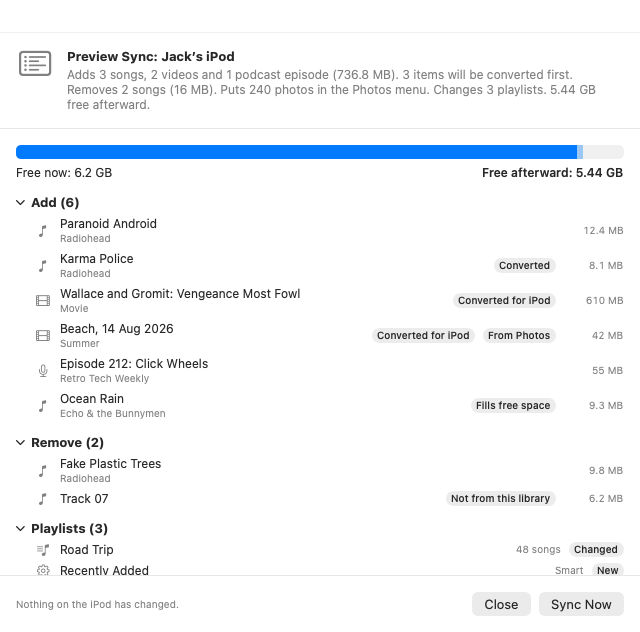
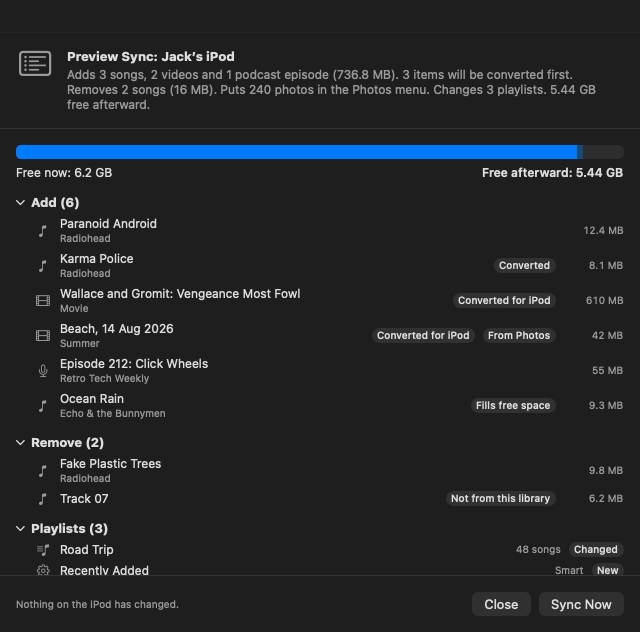
Preview Sync works out what syncing your iPod would do, without changing anything on it. It reads the iPod's database, compares it with your choices for that iPod, and lists what would be added, converted, removed and left off, how the playlists would change, and how much free space there'd be afterward. If it all looks right, click Sync Now.
Open Preview Sync
Use any of these:
- Preview Sync… on the iPod's page, beside Sync.
- iPod › Preview Sync… (⌥⌘S), for the iPod whose page is open (or the first one connected).
- Right-click the iPod in the sidebar and choose Preview Sync….
While it works, the window says "Comparing your library with the iPod. Nothing on the iPod changes." On a large library this takes a few seconds.
The Preview Sync… button isn't available while songs are being imported into the library, or for an iPod ClassicTunes doesn't support, and it's replaced by Cancel while the iPod syncs. Sync Now stays off while a sync of that iPod is running.
What the preview shows
The summary
The heading sums up the sync in a few sentences, for example: "Adds 3 songs, 2 videos and 1 podcast episode (736.8 MB). 3 items will be converted first. Removes 2 songs (16 MB). Puts 240 photos in the Photos menu. Changes 3 playlists. 5.4 GB free afterward."
If nothing would change, it says "The iPod is up to date: syncing wouldn't change anything."
Free space
A bar shows the iPod's capacity, with Free now on the left and Free afterward on the right.
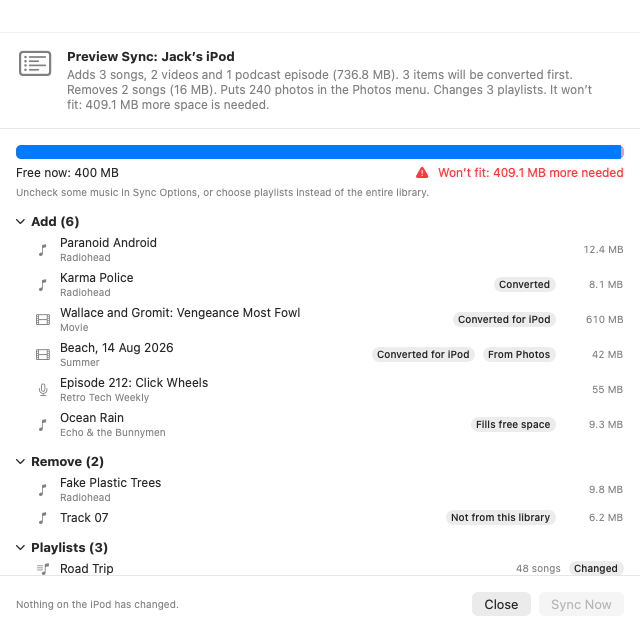
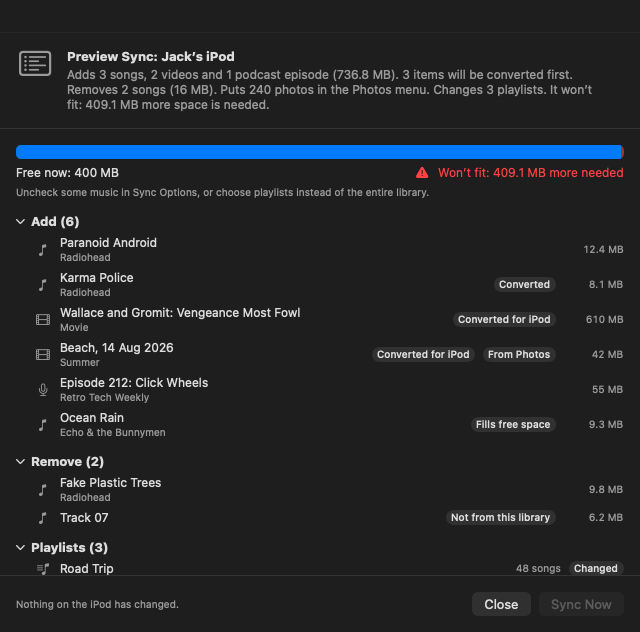
If it won't fit, the bar turns red and says Won't fit with how much more space is needed, and Sync Now is turned off. Uncheck some music in Sync Options, or choose playlists instead of the entire library, then preview again. ClassicTunes keeps a little space free on the iPod for its database and artwork, so "won't fit" can appear when the numbers are close.
Add
Every song, video, audiobook and podcast episode that would go on the iPod, with its artist or show and its size. Labels show what's special about an item:
| Label | Meaning |
|---|---|
| Converted | A song in a format the iPod can't play; it's converted to AAC as it's copied. |
| Converted for iPod | A video converted to a format the iPod plays. |
| From Photos | A video from your Photos library, for the iPod's Videos menu. |
| Fills free space | Put on (or kept) by Fill free space with in Sync Options. |
Remove
Everything that would come off the iPod: things you've unchecked or removed from the library. Items marked Not from this library were put on the iPod by iTunes, Finder or another Mac; they're only listed when Remove items that aren't in this library is on in Sync Options.
Playlists
Playlists that would change, each marked New, Changed or Removed, with how many songs it has (or Smart for a smart playlist). Playlists that stay the same aren't listed.
Left Off
Songs that won't go on the iPod even though you chose them:
- Songs the iPod can't play and that can't be converted as they're copied, with the reason (for example "96 kHz is more than the iPod can play"). iPod › Find Songs iPods Can't Play… converts them once for good. See Tidying up.
- Songs whose files are missing from the Mac.
Notes at the bottom
- How many items already on the iPod stay as they are.
- How many items that aren't from this library stay, because Remove items that aren't in this library is off.
- How many photos or videos from Photos won't fit in the space you allowed for photos, or are only in iCloud.
Long lists start folded away; click a heading to show or hide its items. Sections of 50 items or fewer start open.
Sync Now or Close
- Sync Now closes the preview and starts the sync, just as the Sync button does. If it's the iPod's first sync or a large one, you're offered a snapshot first. See Snapshots.
- Close leaves the iPod exactly as it was. The footer reminds you: "Nothing on the iPod has changed."
What the preview doesn't do
- It doesn't download podcasts. New episodes waiting to download are counted in the summary ("2 new podcast episodes will download first and go on too"), but not downloaded or listed until you sync.
- It doesn't read back play counts. What you've played and rated on the iPod is left for the sync itself, so nothing is lost.
- Photo counts are an estimate. The number of photos is worked out from your photo choices; the sync decides the final set.
Your choices can change between previewing and syncing. The sync always uses your choices at the moment it starts.
From AppleScript and Shortcuts
preview sync returns the same summary as the preview's heading, in a few sentences, without changing anything on the iPod:
tell application "ClassicTunes"
    set myIPod to iPod 1
    set report to preview sync myIPod
    display dialog report buttons {"Cancel", "Sync"} default button "Sync"
    sync myIPod
end tell
In Shortcuts (macOS 13 and later), Preview iPod Sync returns the summary as text, ready to show or to use in an If action before Sync iPod. See AppleScript and Shortcuts.